06 - Editing Your Page
Editing Your Page
In short: You edit in plain language, section by section. No code, no page builder.
After Flunnel generates a page, you rarely want every word as-is. The edit workspace lets you fix any part of the page like an editor, not a developer. You work one section at a time, and you decide what stays and what gets rewritten.
We will keep using Aerix Sport and the Matchpoint Elite page as the example.
How editing works
In short: Every page is made of sections. You act on one section at a time.
A page is a stack of sections: the headline, the story, the proof, the offer, and so on. Instead of editing the whole page at once, you hover over the section you care about and act on just that one. The rest stays untouched.

The three section actions
In short: Hover any section to edit its text, re-generate it, or lock it.
Action | What it does | Use it when |
|---|---|---|
Edit text | Change the words by hand, inline | You know the exact wording you want |
Re-generate | The AI rewrites that one section, nothing else | You like the section's job but not its current wording |
Lock | Freezes the section so it cannot change | You are happy with it and want it protected |
Example: On the Aerix page, you re-generate the headline a couple of times to get the hook right, hand-edit the price line to match your offer exactly, then lock both.
Focus mode
In short: Focus mode isolates one section so you can perfect it on its own.
When a section needs real attention, open it in focus mode. It hides the rest of the page so you can work on that one piece without distraction. Close focus mode and you are back to the full page.
Re-rolling the whole page
In short: You can regenerate the entire page at once, and every locked section is kept exactly as-is.
Sometimes a single section is not the problem and you want a fresh take on the whole page. Re-roll it, and Flunnel rewrites everything except the sections you locked.
Quick tip: Lock the sections you are happy with before you re-roll. Anything unlocked may change. Anything locked is safe. This is the main reason to lock.
Example: You lock the Aerix offer and the headline, then re-roll. The story and proof sections get rewritten, but your offer and headline come back untouched.
Version history
In short: Every change is tracked, so you can always go back.
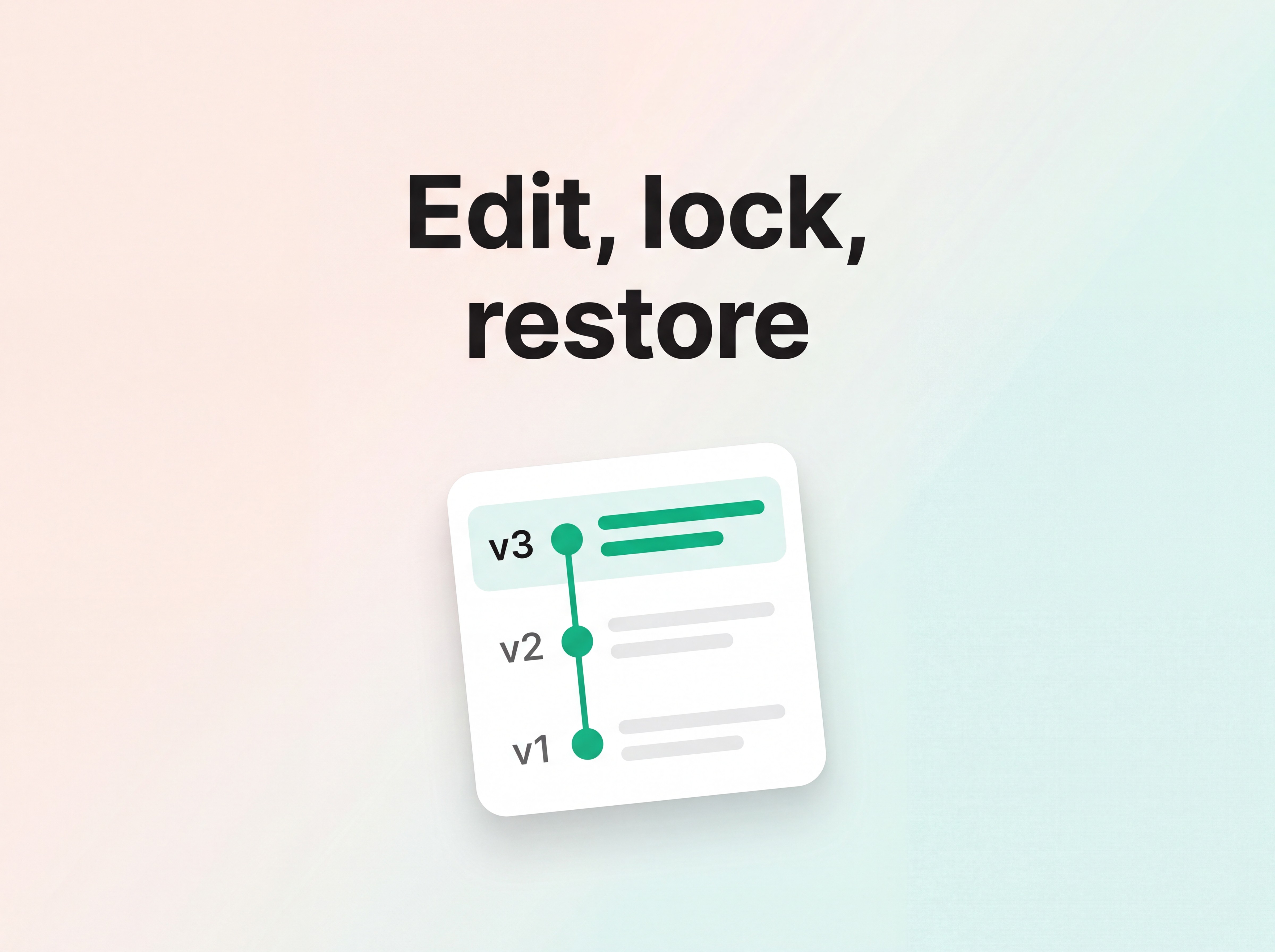
Version history records every change to the page, both your manual edits and the AI's re-generations. It keeps an audit trail you can recover from, so a re-roll you did not like is never permanent. If a past version was better, restore it.

Knowing what is hand-tuned
In short: Manual edits are flagged, so you always know what you wrote versus what the AI wrote.
Flunnel marks the sections you edited by hand. At a glance you can tell which copy is hand-tuned and which is AI-written. That matters when you re-roll or hand the page to a teammate, because your manual work is easy to spot and protect.
A simple editing workflow
Put the tools together like this:
Read the page top to bottom.
Re-generate any section whose wording is off.
Hand-edit the lines that need exact wording, like price and CTA.
Lock every section you are happy with.
Re-roll the whole page if the unlocked sections still need work.
Check version history if you want an earlier version back.
Back to the Step-by-Step Guide · Continue to Templates
Share: